A pocket photo booth for iPhone · currently in beta
Four poses. One little keepsake.
Take four photos, make the strip yours, then save, share or print it.
Private beta for iPhone. Requests are reviewed by hand.
Request beta access
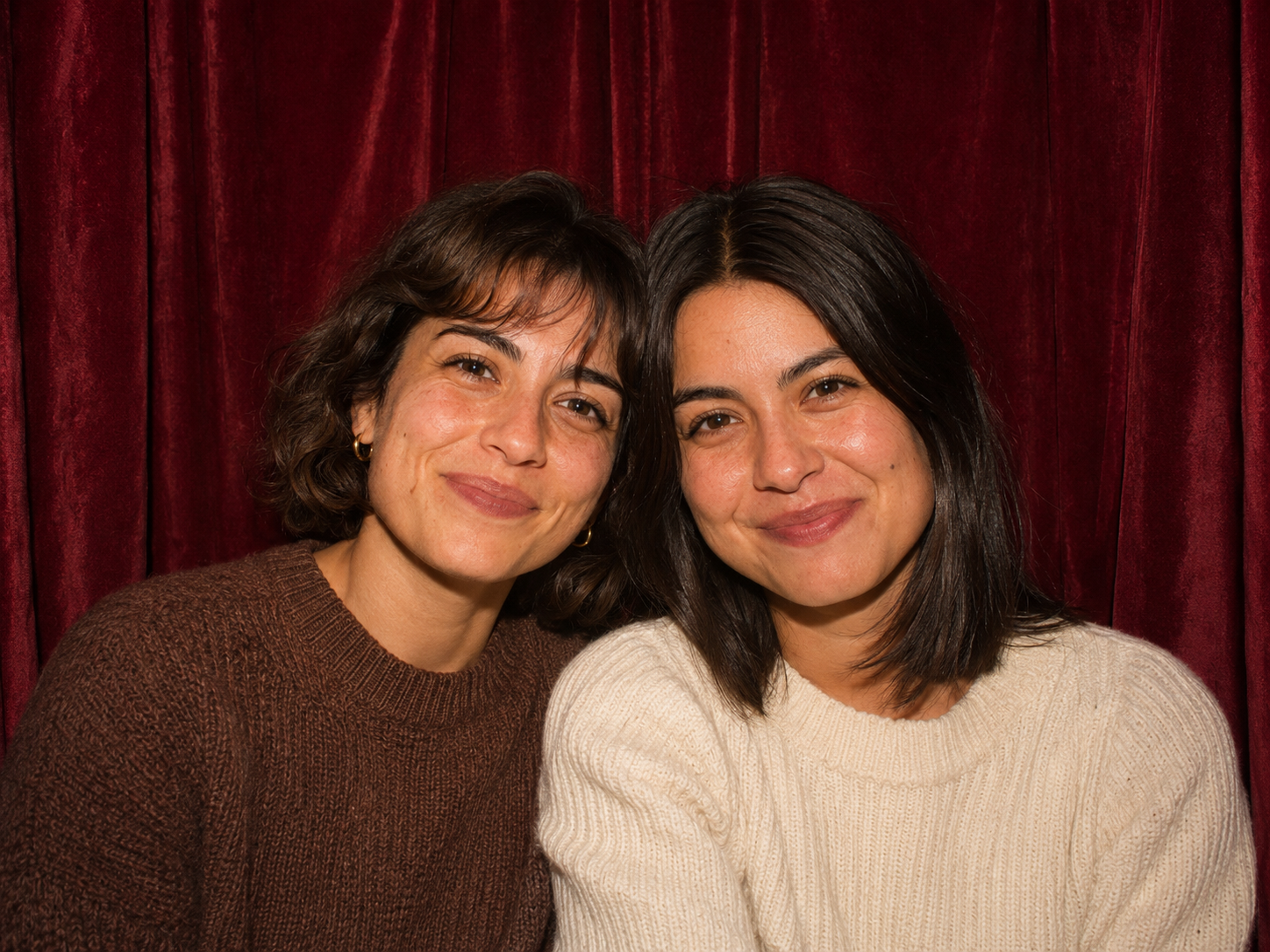
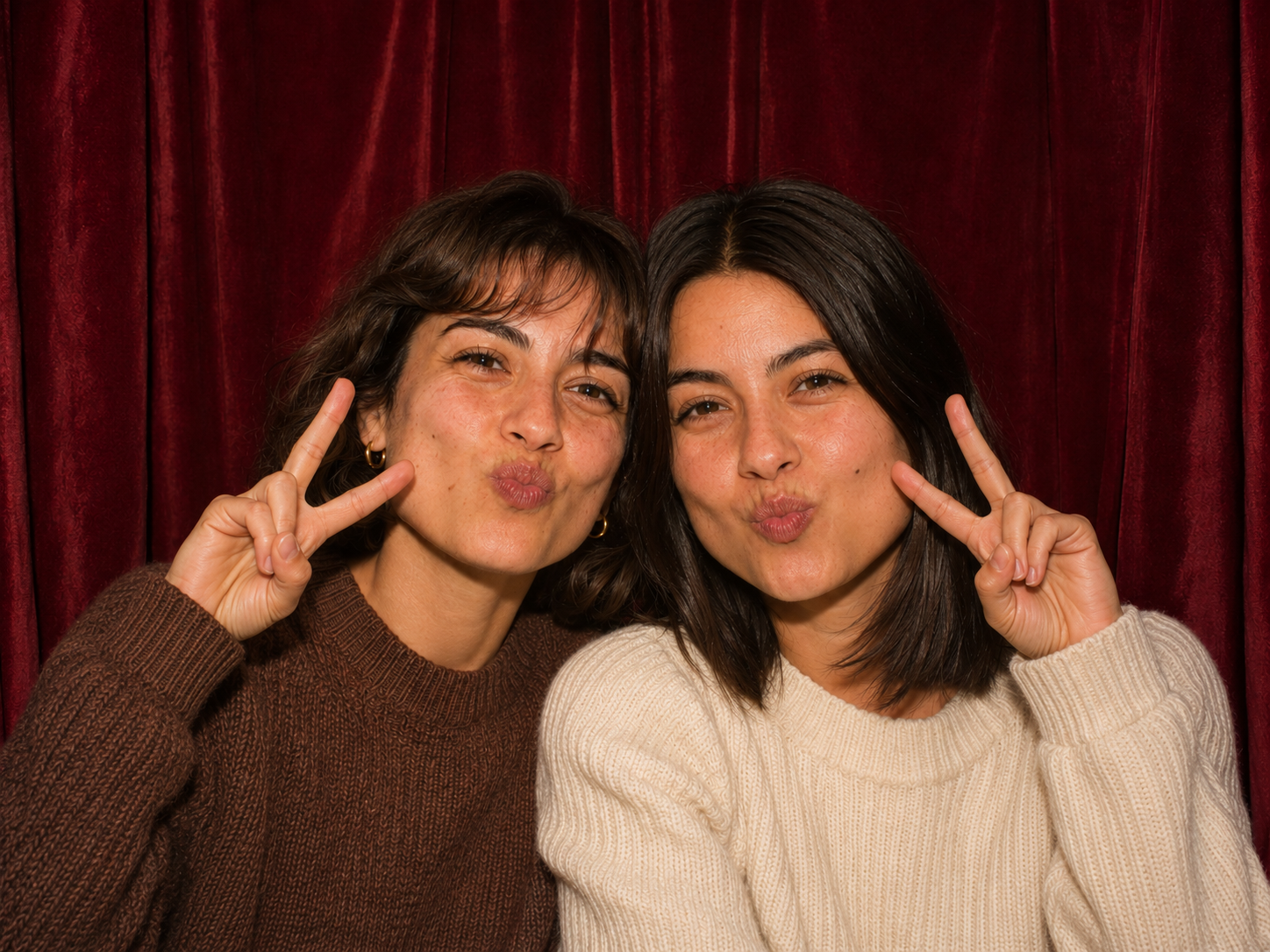

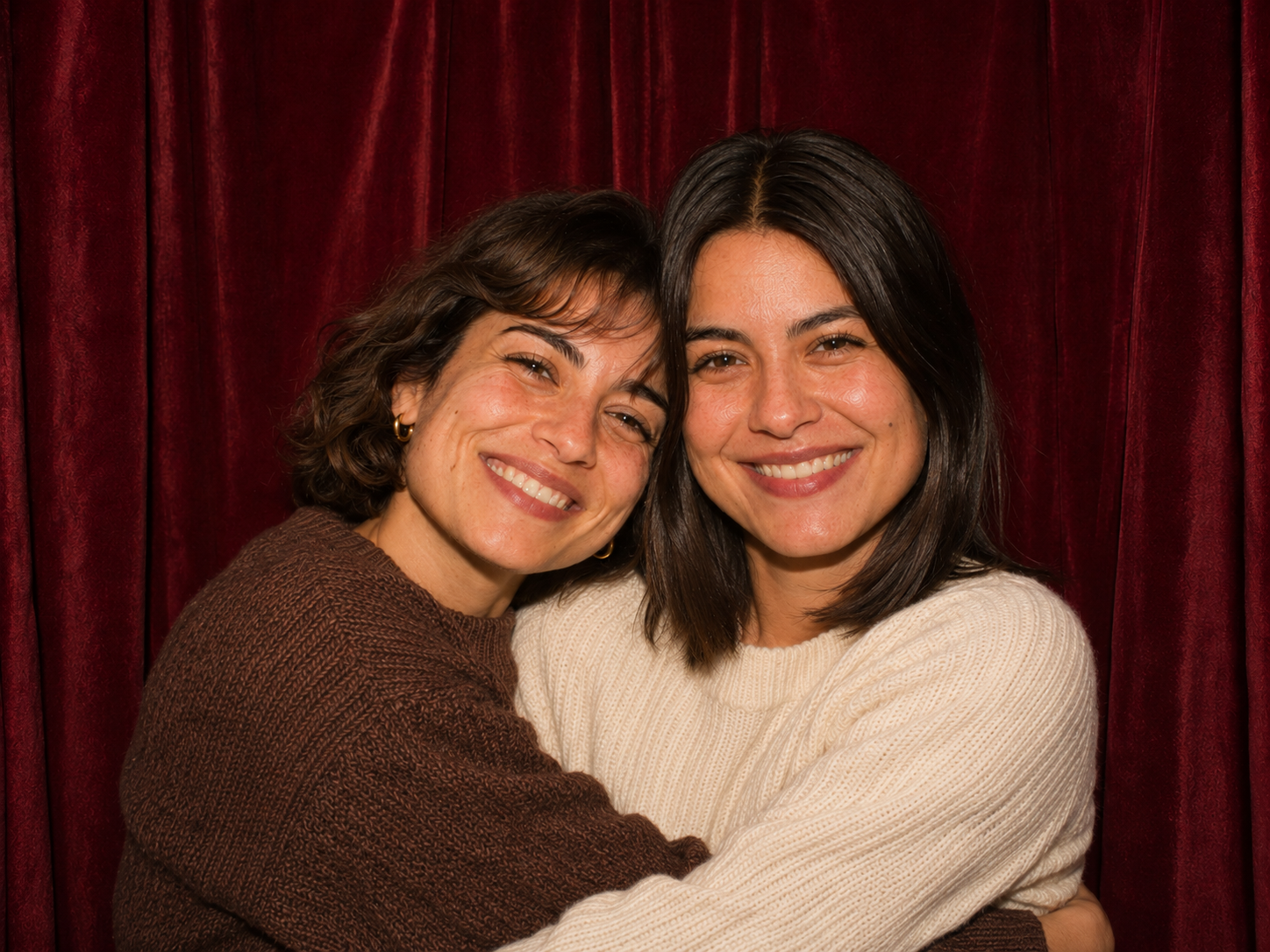 a little moment
Capture, personalize, keep.
A shortened demo with AI-generated sample photos, not a screen recording. In the app, each shot gets a three-second countdown.
 a little moment
- 1 · Capture
- 2 · Personalize
- 3 · Keep
- 4 · Your strip
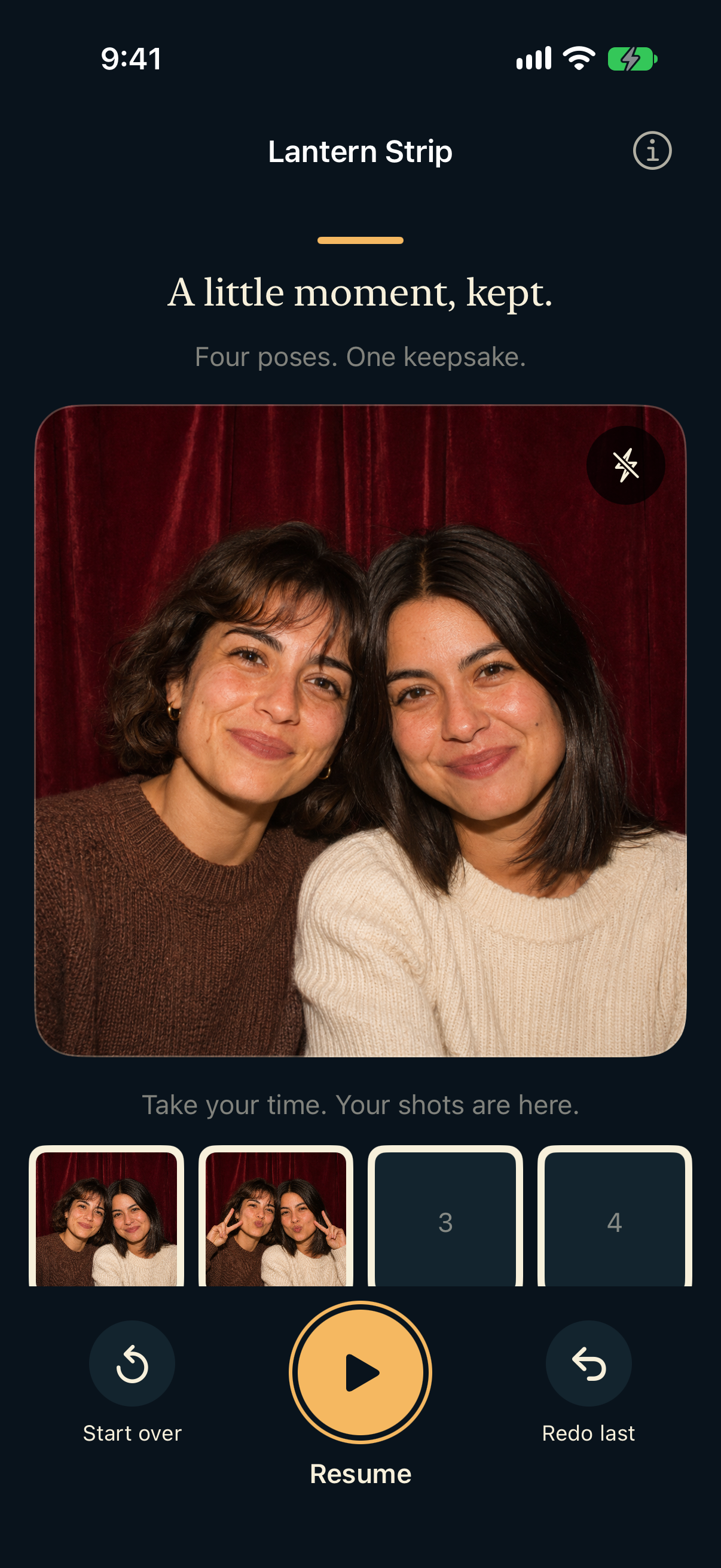
Capture. Four shots, each after a three-second countdown. Pause when life interrupts, and redo the last shot once if someone blinks.
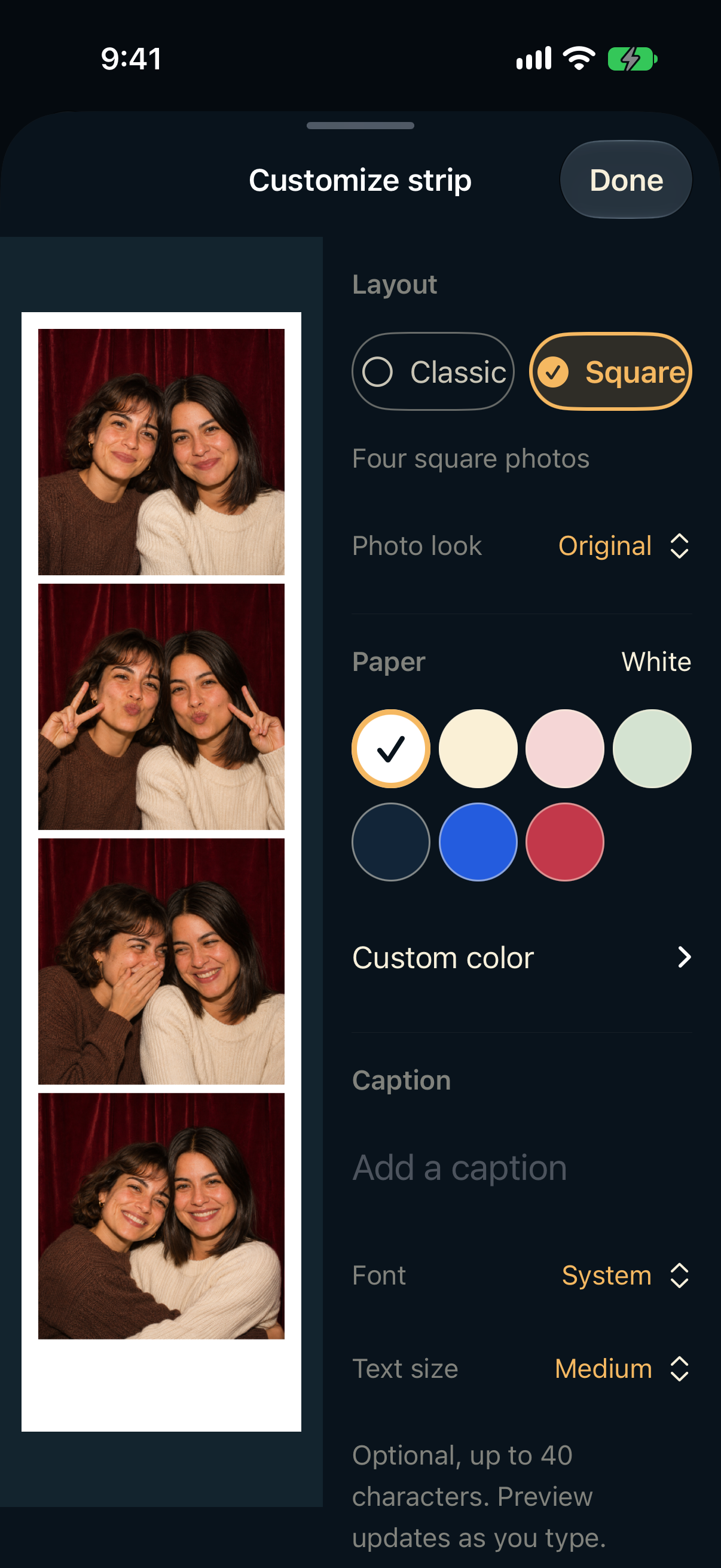
Personalize. Pick Square keepsake or Classic souvenir, a paper colour, a caption and an Original, Mono or Warm look.
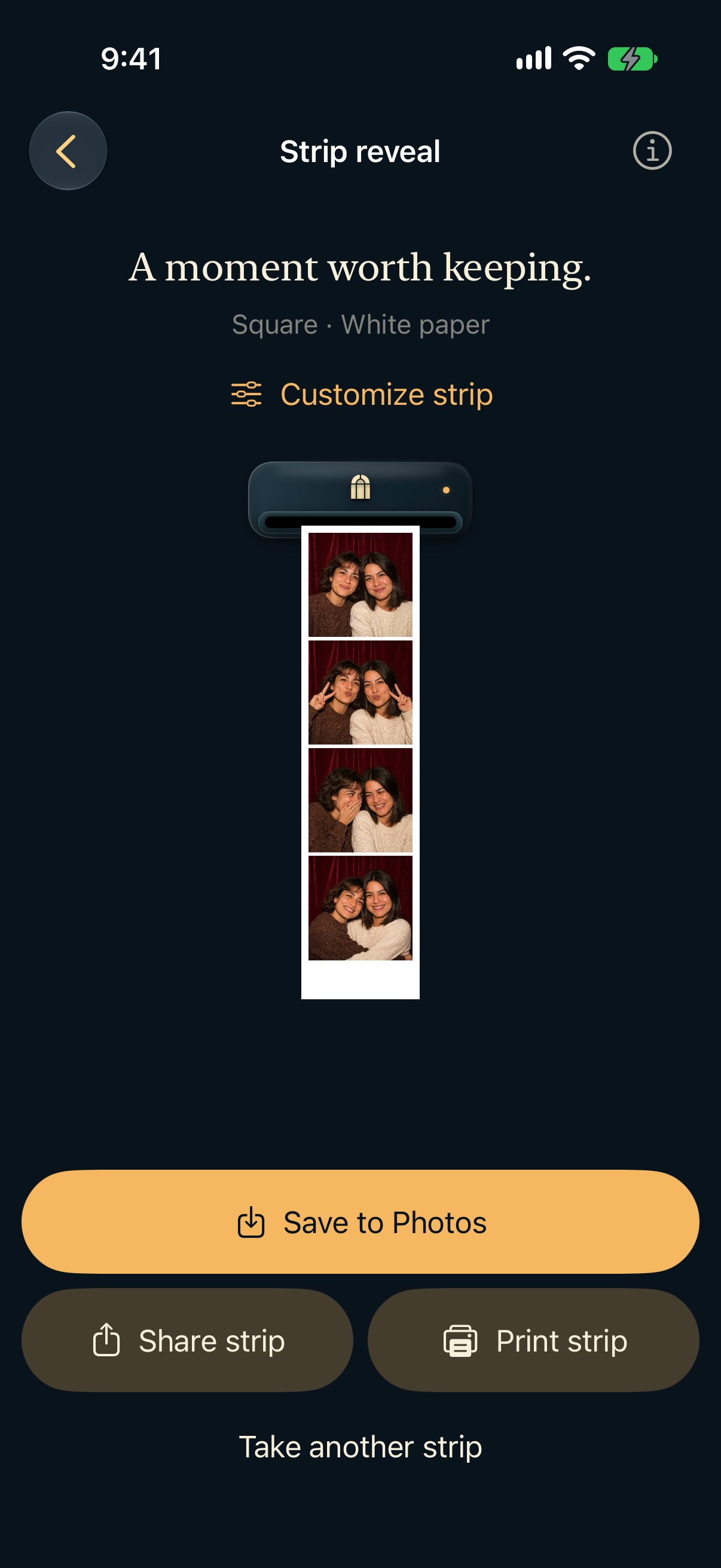
Keep. When you’re happy, choose Save to Photos, Share or Print. Nothing leaves the app until you do.
Your strip. In the app, the finished strip feeds out of the little booth printer.
Your photos stay yours.
In the app
Photos are taken and edited on your iPhone, with no account. A strip leaves the app only when you choose Save, Share or Print, and saving asks only for permission to add to Photos. Date and time come from when you finish; place is only what you type.
On this website
A beta access request form is available below. It uses the email address you provide for beta access requests, not marketing. See the form notice for storage and deletion details. The app privacy policy covers the iOS app, not this website form.
Where it’s heading.
In beta
- Four-photo booth with countdown, pause and redo
- Square and Classic strips, paper, captions, optional date, time and place, Original/Mono/Warm looks
- Save, Share and Print
Up next
- A broader beta with outside testers
- Polish guided by feedback
Exploring
- Curated frame and paper styles
- A Home Screen widget for your favorite strips
- More strip layouts, from two photos up to a six-photo grid
No dates. Exploring means ideas being considered, not features promised.
Private beta access
Beta access is limited. Request access using the form below. Requests are reviewed by hand; a request does not guarantee access. We’ll contact you if you’re selected.
Good to know.
Which iPhones does it support?
Lantern Strip is built for iPhone on iOS 26 or later (iPhone 11 or newer, plus iPhone SE 2nd generation and later). We haven’t tested every device and iOS version yet; that is part of what the beta is for.
Can I try the beta now?
Beta access is limited. You can request access using the form below. Requests are reviewed by hand, and a request does not guarantee access. We’ll contact you if you’re selected.
Does it work offline? Do I need an account?
Capture and editing happen on your iPhone without an internet connection, and there is no account to create.
Does it use my location?
No. Date and time are optional and come from when you finish the strip. Place is optional and only what you type.
Can I print my strip?
Yes, through the standard iPhone Print option. Results depend on your printer and paper; we haven’t tested every printer.
Who are the people in the photos?
These are AI-generated sample photos of fictional people, made for this website preview. They are not Lantern Strip users or testimonials. The iOS app does not generate photos or include a user-facing AI feature.
How do I get help?
Visit Lantern Strip support.
Request beta access.
Lantern Strip is in a small beta. If you would like to be considered, request access below. Requests are reviewed by hand, and a request does not guarantee access.
About your email. Isoon Jitloedlamphakdee uses the email address and answers you provide (iPhone model, intended use, and whether it is your Apple Account email) to review beta access requests and contact you if selected. This request is not a marketing signup. Squarespace processes the form and stores your email and submission details, including the submission date and time, in this site’s Contacts as a Form Submitter. A copy goes to support@isoonj.com (iCloud Mail, provided by Apple) for beta administration.
These records do not expire automatically. We manually delete beta-access request records and their notification emails within 90 days after beta recruitment ends, except where an ongoing support issue needs them longer. To request earlier deletion, email support@isoonj.com.
Squarespace and Google reCAPTCHA may also process technical data, such as your IP address, to run the form and prevent spam. This form uses Google reCAPTCHA for spam prevention. Google says reCAPTCHA sets a _GRECAPTCHA cookie when it runs for risk analysis. Read Google’s Privacy Policy and Terms of Service. The separate app privacy policy covers the iOS app.